
The device

What actually sits on the desk.

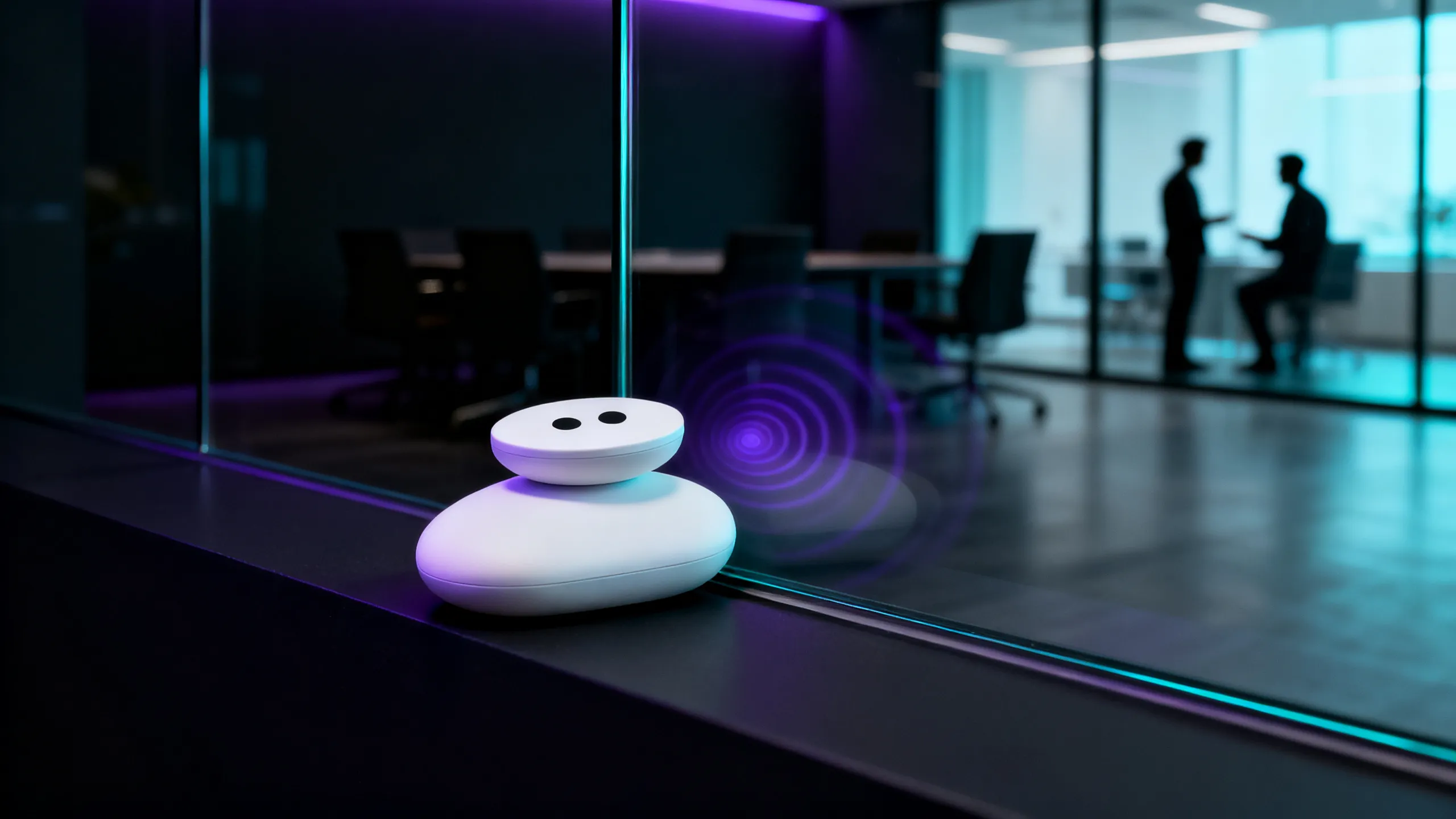
A housing without a grille, about the size of a shallow bowl. Underneath it, the surface it stands on. Everything else is software.

Soundscapes

Choose the calm that fits the room.

From neutral masking noise to natural ambiences — or your own material.

  • Warm Masker

    The signature blend. Tuned to speech frequencies, easy to live with for hours.

  • White · Pink · Brown

    Classic noise profiles, from bright and neutral to deep and soft.

  • Rain · Sea · Forest

    Natural ambiences for reception, waiting areas and lobbies.

  • Your own files

    Bring WAV or MP3 onto the device through the app or over USB.

8-band equaliser

Every room sounds different. Tune the balance to hard surfaces, carpet or glass — right in the app.

Hz

Like a USB stick

On request Quell appears on your computer as a drive. Copy sound files in, rename them, reorder them — no app required.

Privacy-Glass at the glass partition of a meeting room.

Privacy-Glass

A glass partition becomes a barrier.

Glass is the weakest point of every confidential room. Quell makes it the strongest.

A glass partition vibrates along with the speech in the room — which is why it carries speech to the space next door, and exactly what contact and laser microphones exploit.

In Privacy-Glass mode Quell measures the pane on the device itself, finds its resonances, and places the masking on exactly those frequencies — through the glass.

  • Measures the actual pane

    Every glass partition resonates differently. Quell analyses the glass in front of it, not an average.

  • Masks precisely

    The energy goes into the exact resonances that carry speech next door.

  • Barely audible inside

    The effect lives in the pane — not in the meeting room.

The app

Everything in hand, no tools needed.

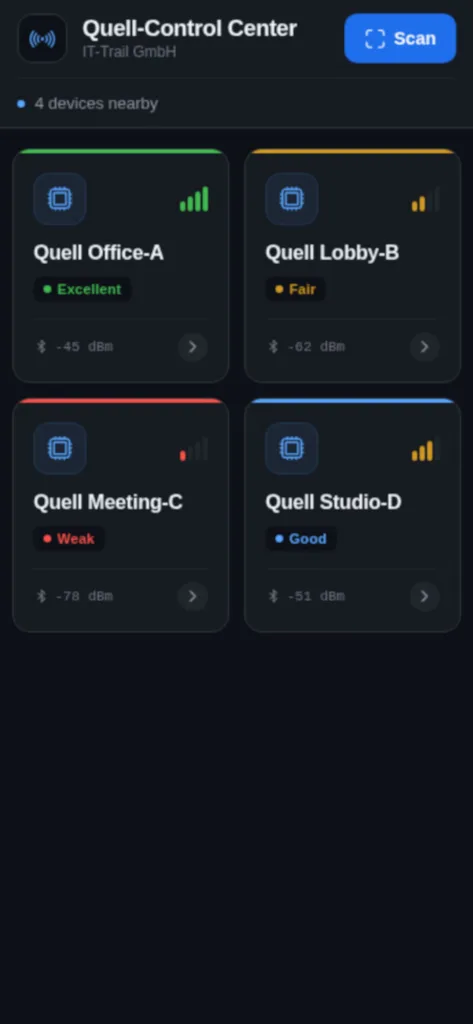
Quell Control Center finds your devices over Bluetooth, secures each with a PIN, and controls all of it — offline included.

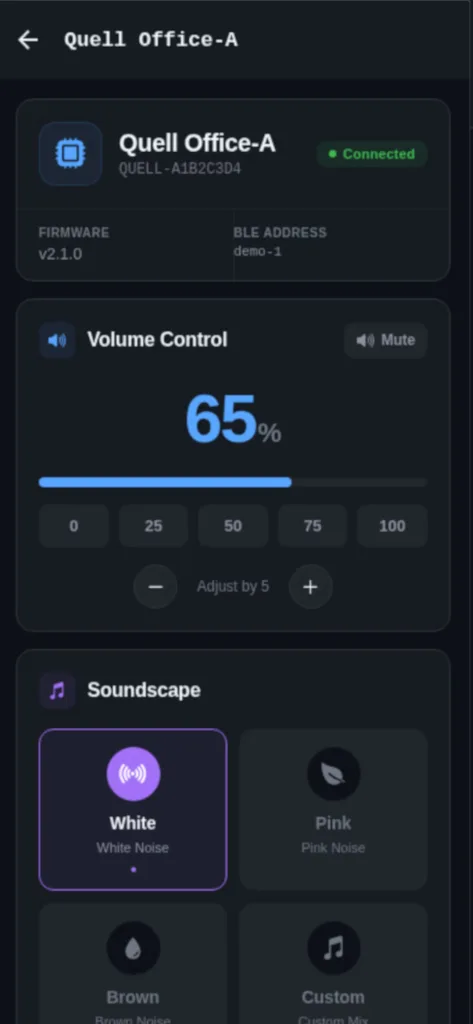
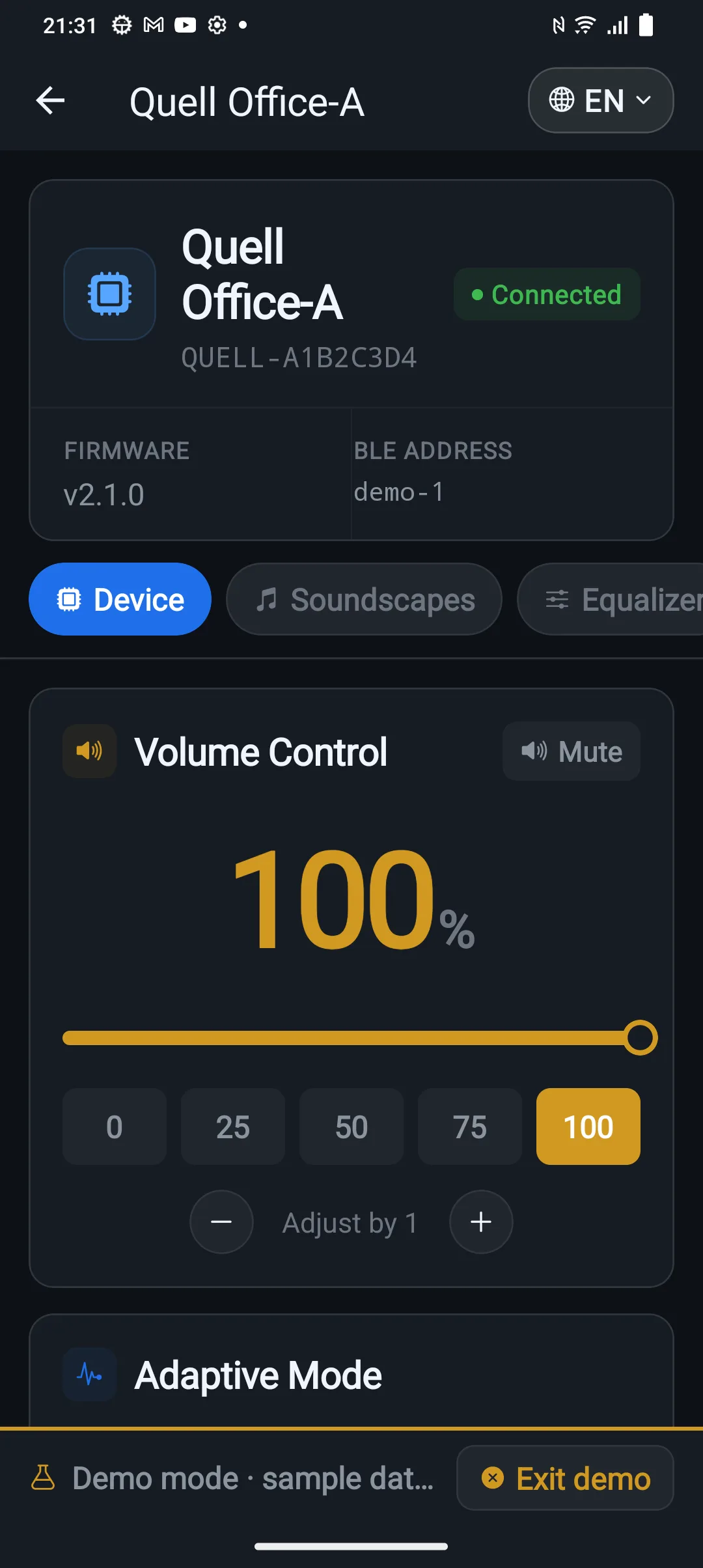
  • Volume and mute

    Fine steps, or jump straight to a preset.

  • Soundscape and equaliser

    Change the sound and shape it to the room across eight bands.

  • Adaptive mode

    Switch the automation on or off and set how far it may move.

  • Firmware updates

    Install new device software straight over Bluetooth.

  • Guided setup

    A wizard walks you through single device, mesh and Privacy-Glass.

  • Four languages

    The app speaks German, English, French and Spanish.

Free to download

The app includes a demo mode — you can explore all of it before a device ever reaches your desk.

Device list in Quell Control Center showing four discovered devices
Device detail with volume control and soundscape selection
Adaptive mode settings

For teams and floors

From one desk to an entire floor.

One device works alone. Many devices work together.

Mesh

Up to 20 devices form their own radio network. One coordinates, all the others keep running independently. Set it up once — the floor stays in step.

  • Up to 20 devices in one mesh
  • Authenticated radio link between devices
  • If the internet drops, everything keeps running
  • Updates travel across the mesh

Management

For larger estates the web console shows every site, level and state in real time — and rolls firmware or new soundscapes out to single devices or whole meshes.

  • Overview of every site and device
  • Levels and state in real time
  • Roll out updates targeted or fleet-wide
  • Multi-tenant for several locations

Local first

Bluetooth control and the adaptive loop always work — network or not. The cloud is an option for fleets, never a requirement for operation.

Let us talk about your room.

Tell us where it is too open. You get an honest read on whether masking solves your problem, and if it does not, we will say so.

Talk to us